
UXP Plugins in Premiere 2026: The CEP Migration Clock Is Ticking
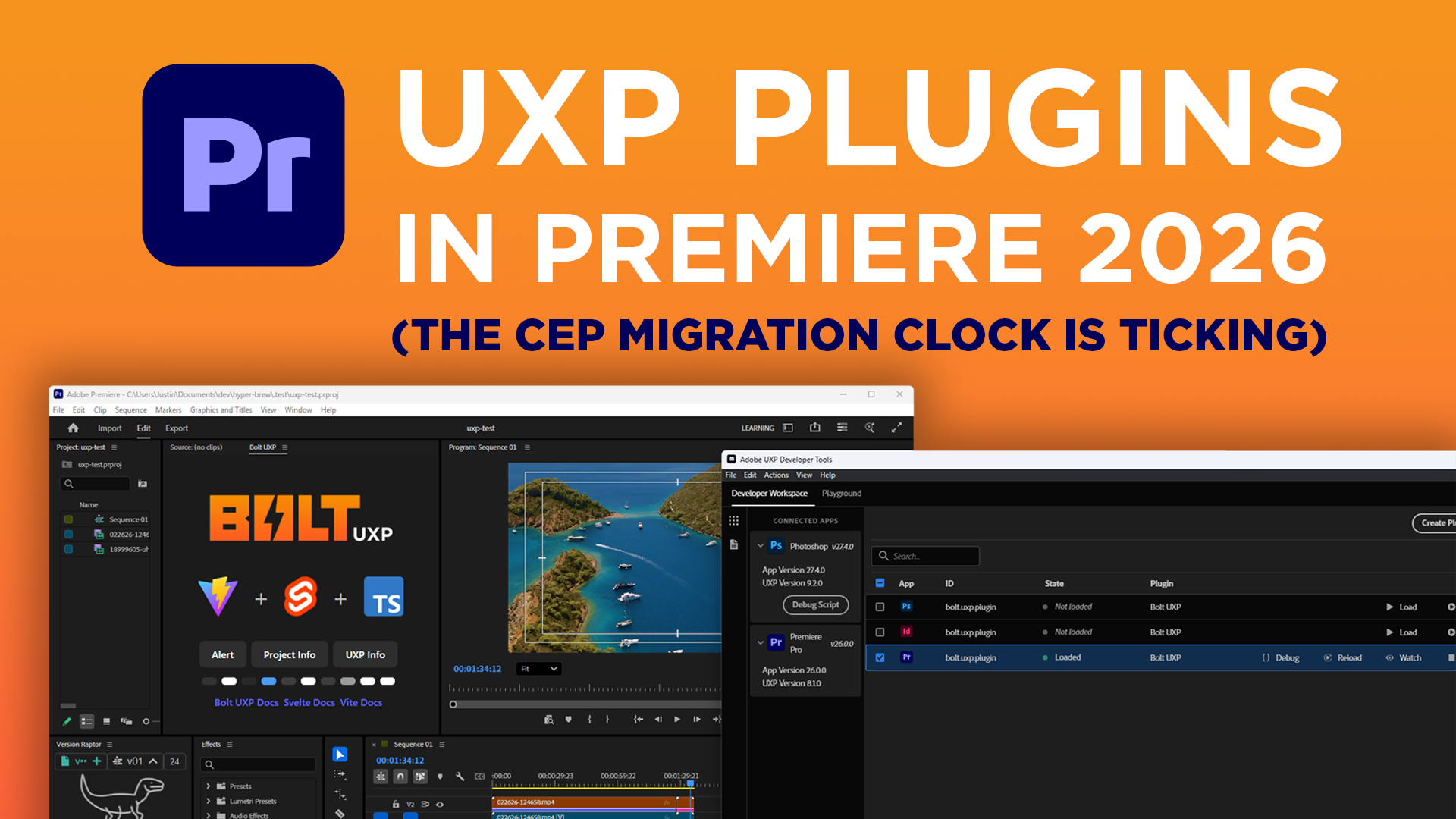

Your CEP Extensions will stop working in future versions of Premiere. It's not a matter of if — Adobe confirmed it.
December 2024, they released UXP Plugins in Premiere beta. In our previous post we recommended you to start testing. Now, with Premiere 2026, UXP is a standard release.
(And in case you missed the news, “Premiere Pro” is now just called “Premiere”, but that’s another story.)
CEP is on borrowed time. Here's what you need to know:
What UXP Means for Your CEP Extensions
What is UXP?
UXP plugins are the new way to build plugin panels in Adobe apps. JavaScript, HTML, CSS. Same ingredients as CEP. Different engine.
CEP runs on Node.js and Chromium. It works. It's also heavy.
UXP runs on Adobe's own runtime. Lighter. Faster. No Chromium bloat.
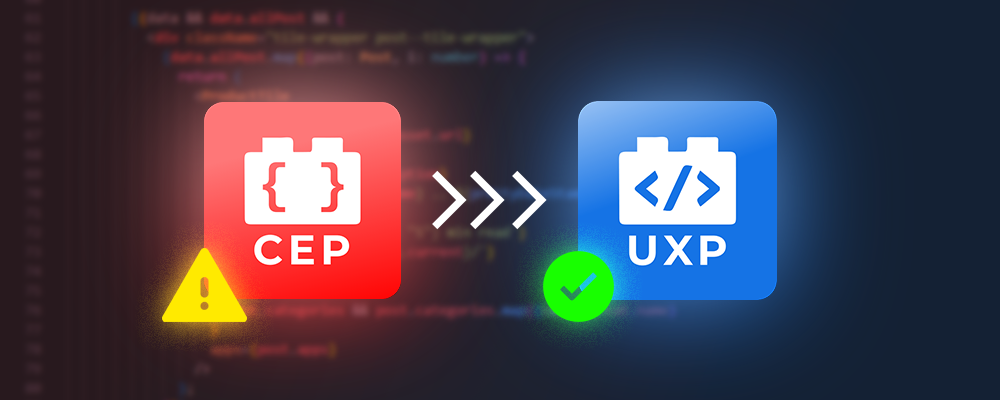
The bigger change: CEP made you juggle a JavaScript frontend and an ExtendScript backend. UXP gives you one environment for everything. Your UI and your host API calls live in the same place. Less back-and-forth. Less friction.
UXP also supports C++ Hybrid plugins for heavy computation or direct access to host app C++ APIs. CEP can't do that.
Photoshop switched to UXP. InDesign switched. Now Premiere.
If you want your tool to keep working, you're switching too.
The Migration Clock Is Running
How long will my CEP Extensions keep working?
Adobe said "several years."
But here's the problem: by the time they announce a date, every plugin developer will be overloaded with CEP migration jobs. The teams that start their migrations early, will release in time. The ones who wait till the last minute, will get backlogged.
Since UXP is now out of beta for Premiere, CEP’s extensions days are numbered.
Is UXP production-ready?
Mostly.
UXP has been in public beta for over a year. Most APIs are stable. Some are still missing.
Here's what to do: test every API your tool needs now. If something's broken or absent, tell Adobe in the UXP Forums. They're listening. But they won't know what to prioritize unless you speak up.
If UXP has everything you need, you're clear to build and ship. Just remember — only Premiere 2026 has UXP. Keep your CEP builds around for users on older versions.
Not sure if your tool is ready? We can help you figure that out in a 45-minute call. No pitch. Just answers.
Start Building in UXP Now (Here's How)
How do I start building UXP plugins?
The easiest way to start building and testing UXP in Adobe Premiere is with our framework Bolt UXP to build UXP Plugins Faster. With Bolt UXP, You can easily spin up a new panel, enable Premiere under apps and start developing.

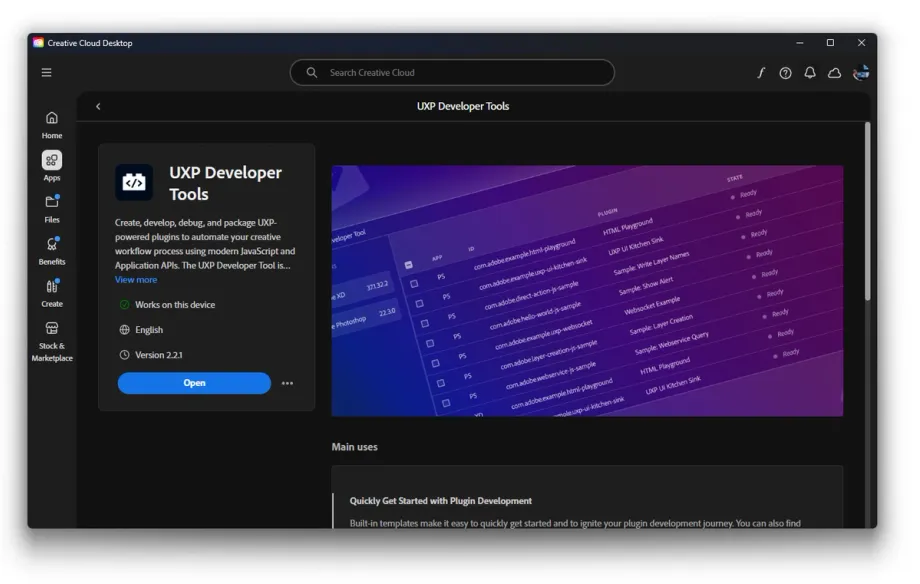
You will need the latest UDT (UXP Developer Tool) v2.1 installed on your machine available to download in the Creative Cloud Desktop app.
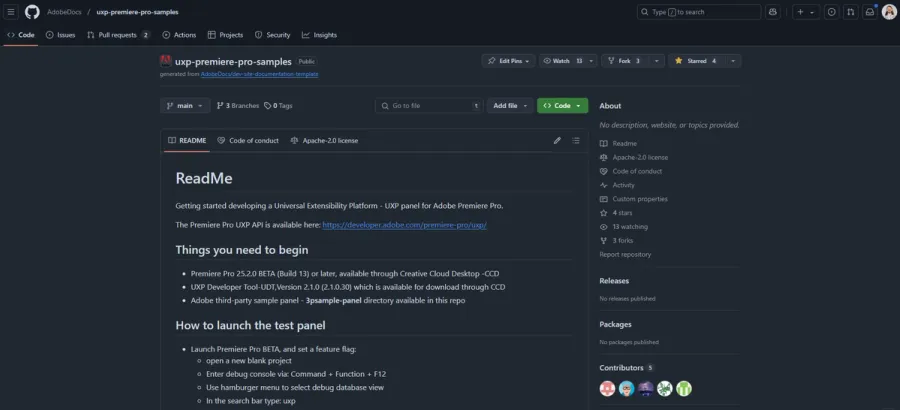
And we highly recommend referencing the Adobe Premiere team’s sample repo for examples on how to use most of the APIs.
Where do I report bugs in Premiere UXP and request features?
Premiere UXP has joined the new Adobe Developer forums so post any bug reports of feature requests for Premiere UXP here for Adobe people to see and make sure to tag Premiere:
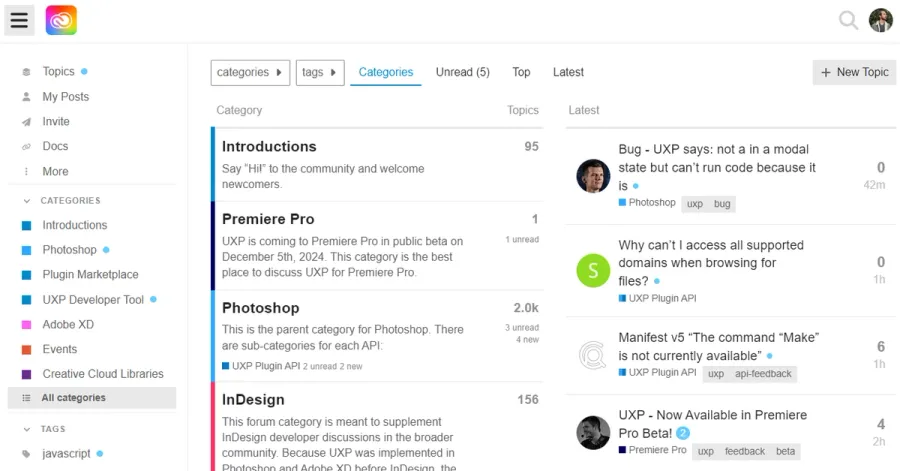
Additionally, feel free to join other Adobe 3rd party developers on our Discord where we discuss Adobe plugin development of all forms.

NEED HELP MIGRATING FROM CEP TO UXP?
Book a free 45-minute consultation. We'll look at your CEP Extension and make a UXP Migration Plan that makes the most sense for your team.
No pressure. No sales pitch. Just honest conversation.